A Java-powered webcam tool
Yawcam is a free social and communication software developed by Yawcam. This PC program is a small webcam utility that extends the installed webcam's functionality by providing several useful features. It is a simple tool that you can use to add features, such as password protection and broadcasting, and more, to your webcam.
Top Recommended Alternative

Yawcam stands for Yet Another Cam software. It is a Java-based webcam application for PC programs. Furthermore, this software allows you to capture live footage from any cameras linked to your PC and then post the video to a web-connected service.
Enhance your webcam’s performance
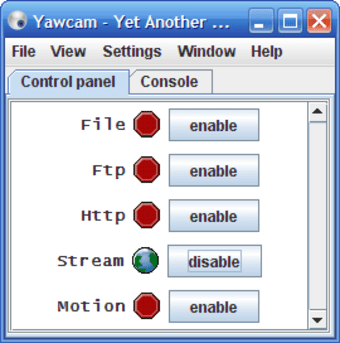
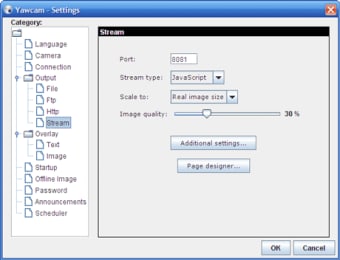
The key goals of the Yawcam software are to make video-recording programs simple, efficient, and easy to use. Live broadcasts from your webcam or DV camera can be viewed using this tool. Broadcasting a webcam stream via FTP, HTTP or streaming is possible, depending on your setup. Moreover, FTP can be configured with the appropriate credentials for your FTP server.
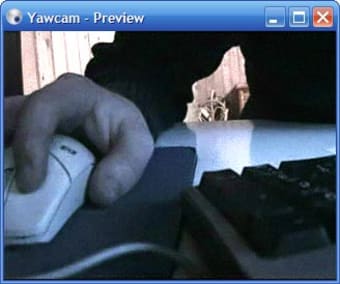
In addition, this program can store recorded snapshots in a local file, but you can also upload them to an FTP server or offer them through the built-in web server and stream video. This tool allows you to stream videos directly in a live chat on Skype, Viber, and other messaging applications. You can also make a test video recording to check the quality and resolution of your webcam.
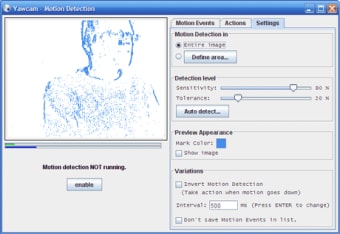
It also offers password protection, making it difficult for unauthorized individuals to gain access. The motion detection technology in the software will automatically start taking photos or executing other activities whenever it detects movement within the surveillance area. However, the motion detector can malfunction and start sensing things that are not moving when the lighting changes from day to night.
Webcam with many purposes
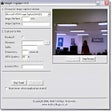
Yawcam is a tool that you can use as your webcam software. This application can be a great solution to enhance the functionalities of your webcam, allowing you to add more features and functions. It is a useful webcam and broadcasting tool which includes features that can be used for many different purposes. It has a simple and easy-to-use interface where you can easily make video recordings.